


 By
By Mobile Security: Protecting Smartphones, Tablets, and Mobile Apps
Mobile devices have become an essential part of everyday life. Smartphones and tablets are used for communication, banking, shopping, entertainment, and business operations. With millions of mobile applications available today, these devices store and process large amounts of personal and sensitive information.
However, the widespread use of mobile technology has also made mobile devices a major target for cybercriminals. Malware, phishing attacks, malicious apps, and data theft are some of the most common threats affecting mobile users. This is where Mobile Security plays a crucial role.
Mobile security refers to the practices, technologies, and tools designed to protect smartphones, tablets, and mobile applications from cyber threats. It ensures that user data remains safe and that devices function securely in an increasingly connected digital environment.
Why Mobile Security Is Important
Mobile devices often contain sensitive information such as personal messages, financial data, passwords, and business documents. Many users also access corporate networks through their mobile devices, making them potential entry points for cyberattacks.
If mobile devices are not properly secured, attackers may gain unauthorized access to private data, install malicious software, or even take control of the device. This could lead to identity theft, financial loss, or corporate data breaches.
In addition, mobile devices frequently connect to public Wi-Fi networks, which can expose them to network-based attacks. Strong mobile security measures help protect users from these risks and ensure that mobile devices remain secure.
Key Components of Mobile Security
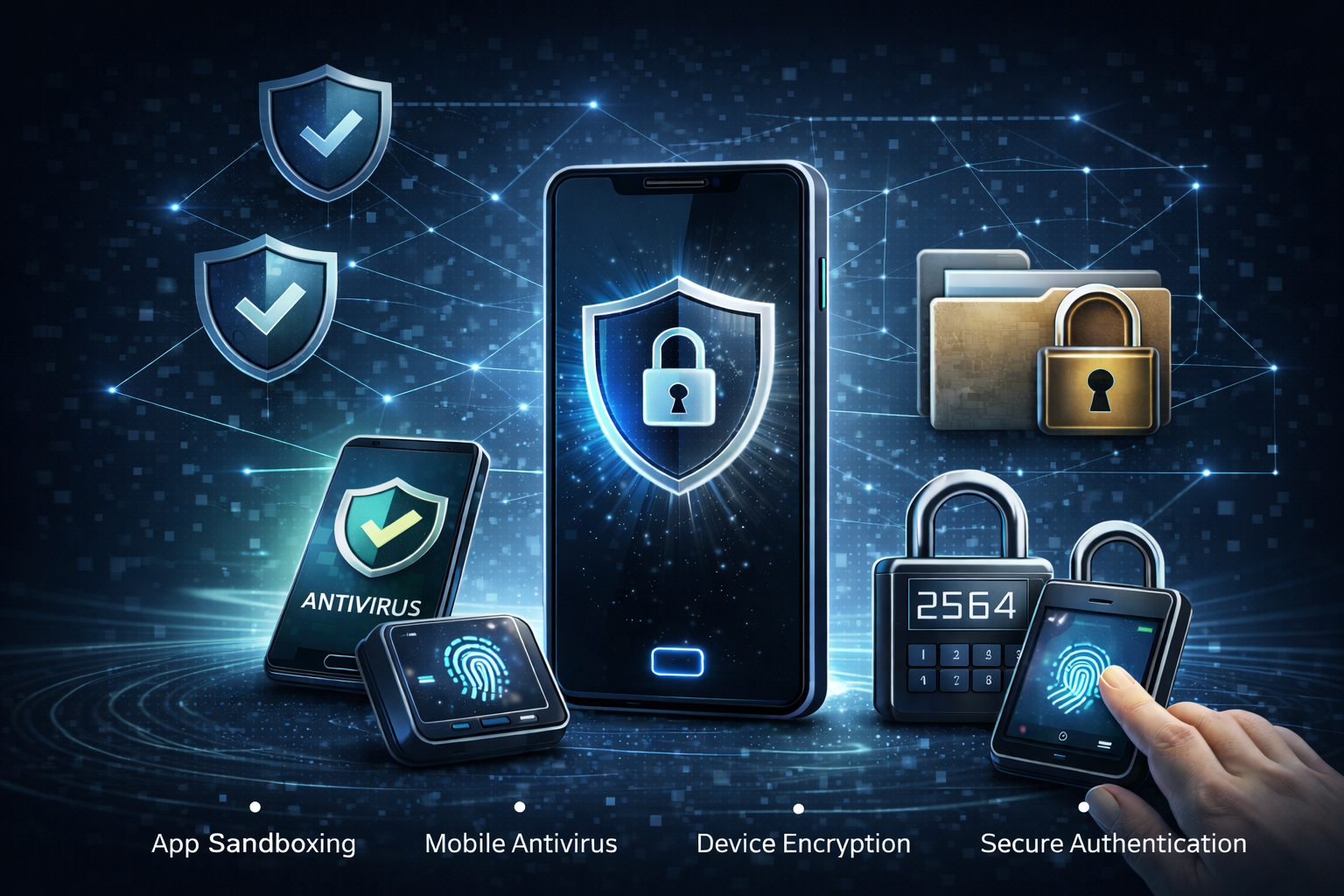
1. App Sandboxing
App sandboxing is one of the fundamental security mechanisms used in mobile operating systems. It isolates each application in its own secure environment, preventing it from accessing data or resources from other apps without permission.
For example, a messaging app cannot directly access files from a banking app unless the user grants explicit permission. This isolation helps prevent malicious applications from spreading malware or stealing sensitive data.
App sandboxing is widely used in modern mobile platforms to protect users and ensure that apps operate securely without interfering with one another.
2. Mobile Antivirus
Mobile antivirus software plays an important role in detecting and preventing malware on smartphones and tablets. Just like traditional computer antivirus programs, mobile antivirus tools scan applications and files for suspicious activity.
These security tools help identify threats such as:
- Malware and spyware
- Malicious applications
- Phishing attempts
- Unsafe websites
- Suspicious network activity
Mobile antivirus applications also provide real-time protection by monitoring device behavior and alerting users if a potential threat is detected.
3. Device Encryption
Device encryption is another critical component of mobile security. Encryption converts data stored on the device into unreadable code that can only be accessed with the correct authentication credentials.
This means that even if a mobile device is lost or stolen, attackers cannot easily access the stored data.
Encryption helps protect sensitive information such as:
- Personal messages
- Photos and videos
- Banking information
- Business documents
- Login credentials
Many modern smartphones automatically enable encryption to protect user data from unauthorized access.
4. Secure Authentication
Secure authentication methods ensure that only authorized users can access mobile devices and applications. Traditional passwords alone may not provide sufficient protection, which is why modern devices use multiple authentication methods.
Common secure authentication methods include:
- Biometric authentication (fingerprint or facial recognition)
- Multi-factor authentication (MFA)
- One-time passwords (OTP)
- Secure PIN or passcodes
By implementing strong authentication methods, mobile devices can significantly reduce the risk of unauthorized access.
Common Mobile Security Threats
Mobile devices face a wide range of cybersecurity threats. Some of the most common threats include:
Malicious Applications
Some apps disguise themselves as legitimate software but contain hidden malware.
Phishing Attacks
Attackers trick users into revealing sensitive information through fake messages or websites.
Unsecured Wi-Fi Networks
Public Wi-Fi networks may allow attackers to intercept data transmitted from mobile devices.
Data Leakage
Poorly designed apps may unintentionally expose user data.
Understanding these threats helps users take preventive measures to protect their devices.
Best Practices for Improving Mobile Security
To enhance mobile device security, users and organizations should follow several best practices:
- Install applications only from trusted sources
- Keep operating systems and apps updated
- Enable device encryption and screen lock protection
- Avoid connecting to unsecured public Wi-Fi networks
- Use strong authentication methods
- Install reliable mobile security software
Regular security updates and user awareness are essential for maintaining mobile security.