

 By
By AI-Powered Computers in 2026: How Smart PCs Are Changing the Future of Technology
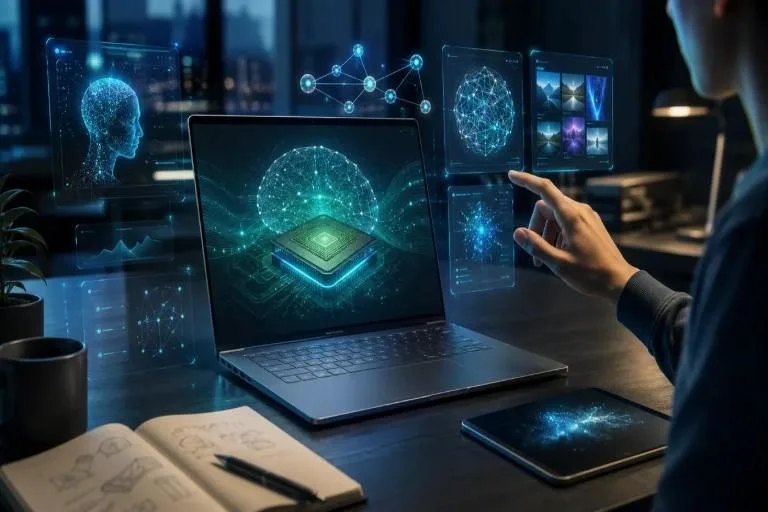
Computers are becoming smarter, faster, and more capable than ever before. In 2026, one of the biggest trends in the electronics industry is the growth of artificial intelligence (AI) in laptops and desktop computers. Technology companies are developing new PCs that can assist with everyday tasks, improve creative workflows, and run certain AI applications directly on the device.
Recent announcements from Microsoft and NVIDIA highlight this shift toward AI-powered computers, bringing advanced computing capabilities to professionals, developers, and everyday users.
What Are AI-Powered Computers?
AI-powered computers are devices designed to handle artificial intelligence tasks more efficiently than traditional PCs. Depending on their hardware and software, they may include a neural processing unit (NPU), a powerful graphics processing unit (GPU), and a modern central processing unit (CPU).
These components work together to perform different computing tasks. For example, a CPU manages general operations, a GPU handles graphics and parallel workloads, and an NPU accelerates supported AI functions.
Users may experience AI features through writing assistants, image-editing tools, automatic transcription, video-call enhancements, and intelligent search. However, the available features depend on the computer’s specifications, operating system, and compatible applications.
On-Device AI Is Becoming More Important
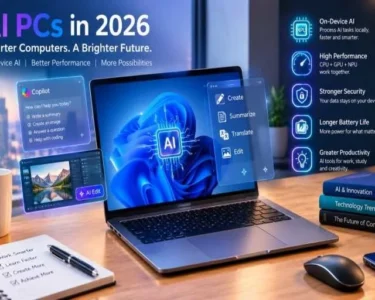
One of the most interesting developments in 2026 is the ability to run AI applications directly on a computer instead of relying entirely on cloud services.
Microsoft’s recent Windows announcements describe a hybrid approach in which AI tasks can run locally or use cloud computing when additional resources are needed.
This approach offers several potential benefits. Local processing can reduce internet dependence, improve response times for supported tasks, and help keep certain personal information on the device. Cloud processing remains useful for tasks that require larger models or substantial computing resources.
For students, this could mean more convenient study assistance. Professionals may use AI tools to organise information, summarise documents, or support research. Developers can also benefit from running supported coding models locally.
Faster Performance for Work and Creativity
Modern AI-focused computers are designed to support demanding workloads. New systems built around NVIDIA’s RTX Spark platform combine powerful processing hardware with substantial shared memory to support local AI, creative applications, and gaming.
For content creators, these capabilities can help with image generation, video editing, rendering, and other intensive tasks. Software developers may use local AI tools to experiment with code and test applications. Gamers can benefit from powerful graphics hardware and compatible performance-enhancing technologies.
Nevertheless, not every AI computer offers the same capabilities. Buyers should compare processor performance, memory, graphics, cooling, and software compatibility before choosing a machine.
Benefits for Students and Office Users
AI-powered computers are not only designed for technology experts. They can also make everyday computing more convenient.
Students may use supported tools to organise notes, practise writing, understand complex topics, and transcribe lectures where permitted. Office workers can benefit from meeting summaries, document assistance, and improved video calls.
Small businesses may find AI tools useful for preparing reports, analysing information, and automating repetitive tasks. These features can save time, although users should review AI-generated results for errors before relying on them.
AI tools should also be used responsibly. Sensitive business information and personal data should not be shared with applications unless their privacy policies and security settings are understood.
What Should You Check Before Buying an AI PC?
Before purchasing a new computer, consider your actual needs rather than choosing a device simply because it includes AI features.
- Processor: Select a modern CPU suitable for your workload.
- RAM: Consider 16GB for general multitasking and 32GB or more for demanding creative or development work.
- Storage: An SSD improves application loading and everyday responsiveness.
- Battery life: Laptop users should compare real-world battery performance.
- AI hardware: Check the NPU or GPU capabilities required by your intended applications.
- Budget: Compare the price against the features you will actually use.
You may not need to replace an existing computer if it already handles your daily tasks comfortably.
The Future of Computer Technology
AI is likely to remain an important part of computer development. Manufacturers are exploring more efficient processors, smarter software, stronger security controls, and computers capable of handling increasingly complex workloads.
At the same time, affordability, privacy, compatibility, and energy efficiency will remain important considerations. More powerful hardware is useful only when it provides practical benefits to users.