


 By
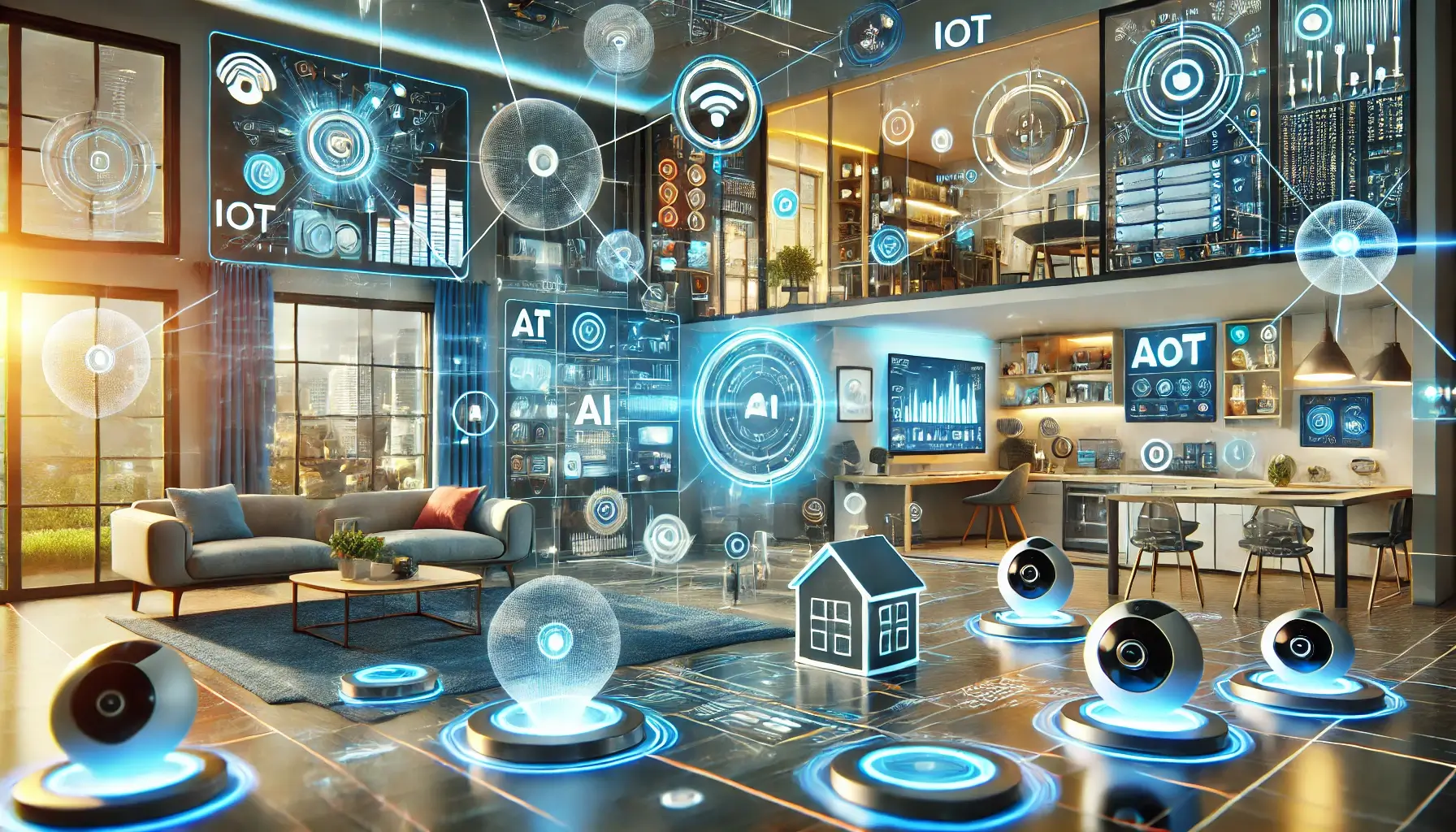
By Looking ahead, computer updates are expected to become more intelligent and personalized. Artificial intelligence will likely analyze user behavior and deliver updates tailored to individual needs. Instead of large system updates, future devices may receive smaller, real-time improvements that adjust settings automatically for better performance.
Cloud-based technology is also shaping the future of updates. Many applications already update through the internet without requiring full downloads. In the future, operating systems might run partially from the cloud, allowing instant feature upgrades without heavy installations. This could reduce storage usage and make devices faster.
Another major change will be predictive maintenance. Smart systems may detect potential problems before they happen and install preventive updates automatically. For example, if a system notices overheating or slowing performance, it might update drivers or adjust settings to avoid hardware damage.
⚡ Benefits of Regular Computer Updates
Keeping your computer updated offers several important advantages. First, updates improve security by protecting personal data from cyberattacks. Since new threats appear daily, developers release patches frequently to keep systems safe. Ignoring updates can leave devices vulnerable.
Second, updates enhance compatibility. As new software and hardware are released, older systems need updates to work smoothly with them. For instance, updated drivers allow printers, graphics cards, and external devices to function correctly.
Third, updates often introduce new features that improve productivity and user experience. A simple update might add a redesigned interface, better search functions, or improved accessibility options. Over time, these small improvements make technology easier and more enjoyable to use.
🛠️ Tips for Managing Computer Updates
Managing updates wisely is important for avoiding problems. Always keep automatic updates enabled, but schedule installations during non-working hours to prevent interruptions. Before major updates, backing up important files is a smart habit because unexpected errors can sometimes occur.
Users should also check internet connectivity and storage space before starting updates. Insufficient disk space or unstable connections may cause installations to fail. Additionally, installing updates only from trusted sources helps prevent fake software or malicious downloads.
🌐 Conclusion
Computer updates are not just technical tasks; they are essential for maintaining security, performance, and innovation. Today’s updates focus on protecting systems and fixing bugs, while tomorrow’s updates will likely introduce smarter automation, AI-driven improvements, and cloud-based enhancements. By understanding the importance of updates and managing them properly, users can enjoy faster, safer, and more reliable computing experiences. As technology continues to evolve, regular updates will remain the key to staying connected with the digital world.
do you follow us intagram



