

 By
AI-Powered Laptops in 2026: The Future of Personal Computing
The computer industry is experiencing a major transformation in 2026 as artificial intelligence becomes an important part of modern laptops and desktop computers. From students and office professionals to software developers and content creators, users are increasingly looking for computers that can do more than traditional browsing, gaming and document editing.
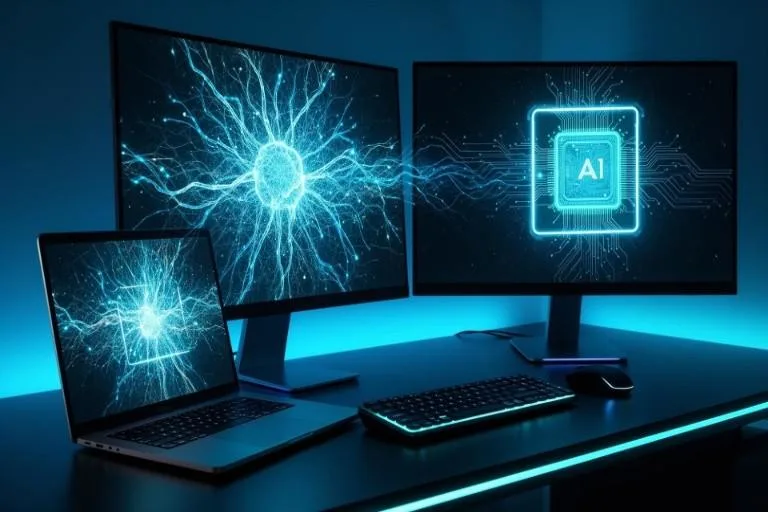
One of the biggest technology trends this year is the development of AI-powered laptops. These computers are designed to handle intelligent applications, automate repetitive activities and improve everyday productivity. Leading technology companies are investing in processors, graphics hardware and dedicated AI technologies to make personal computing faster and more efficient.
What Makes an AI-Powered Laptop Different?
Traditional laptops mainly depend on their central processing units (CPUs) and graphics processing units (GPUs) to perform everyday computing tasks.
Modern AI laptops introduce another important component called a Neural Processing Unit (NPU). This specialized processor is designed to handle certain artificial intelligence workloads efficiently.
An NPU can support activities such as background noise removal, video enhancement, image processing and compatible AI applications.
By distributing workloads between the CPU, GPU and NPU, computers can handle different tasks more efficiently while potentially reducing power consumption.
This technology is becoming an important feature in next-generation personal computers.
On-Device AI: A Major Computer Trend in 2026
One of the most interesting developments is on-device AI processing.
Previously, many AI applications depended on cloud-based platforms. Users sent requests through the internet, and remote servers processed the information before returning the results.
On-device AI changes this approach by allowing compatible AI models to run directly on a laptop or desktop computer.
This offers several advantages:
1. Improved Privacy: Certain personal information can be processed locally instead of being sent to external servers.
2. Faster Responses: Local processing can reduce network delays when running supported applications.
3. Offline Capabilities: Some AI tools can continue working without an active internet connection once their models are installed.
4. Better Control: Users can choose compatible AI applications and models according to their requirements.
However, performance depends on available memory, processing power and the size of the AI models.
How AI Laptops Are Helping Professionals
AI-powered computers are becoming useful across different industries.
For software developers, AI assistants can help explain programming concepts, suggest code improvements and support debugging activities.
For graphic designers, AI tools can simplify image editing, remove unwanted objects and generate creative ideas.
Video editors can benefit from intelligent noise reduction, automatic transcription and other supported editing features.
Office professionals can use AI applications to summarize documents, organize information and improve everyday workflows.
Students can also explore AI-powered learning tools to understand difficult subjects and organize their study materials.
These applications demonstrate how artificial intelligence can make computers more useful for different types of users.
Leading Companies Investing in AI Computers
Several major technology companies are competing to improve AI computing.
Microsoft is expanding AI capabilities across Windows computers, while Intel and AMD continue developing processors designed for modern computing workloads.
NVIDIA is also an important player through its advanced graphics processors and AI computing platforms.
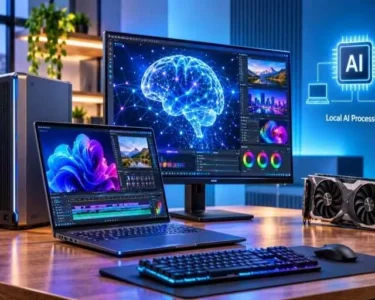
ASUS recently expanded its local AI computer ecosystem across gaming PCs, creator workstations, mini PCs and professional desktop systems. Its announcement on November 12, 2026, highlights the growing interest in running AI applications locally.
This competition is encouraging manufacturers to develop computers with improved performance, advanced hardware and better AI software integration.
What Should You Check Before Buying an AI Laptop?
Before purchasing an AI-powered laptop, it is important to understand your requirements.
Consider these important factors:
- Processor: Choose a modern CPU suitable for your everyday workload.
- RAM: At least 16GB is a practical target for many users, while demanding AI workloads may require more.
- Storage: An SSD provides faster application loading and file access.
- NPU: Check its AI processing capabilities and compatibility with your preferred software.
- Battery life: Look for a laptop that balances performance with power efficiency.
- Graphics: A dedicated GPU may be important for gaming, video editing and demanding AI applications.
Buyers should also remember that an AI label does not automatically guarantee better performance. Hardware specifications and software compatibility matter.