

 By
By Mobile Security in 2026: Protecting Smartphones, Tablets, and Mobile Apps
Smartphones and tablets have become essential parts of everyday life. From online banking and shopping to remote work and social media, people use mobile devices to store and access a huge amount of sensitive information. As mobile technology continues to evolve, cybercriminals are also developing new ways to target users and their devices.
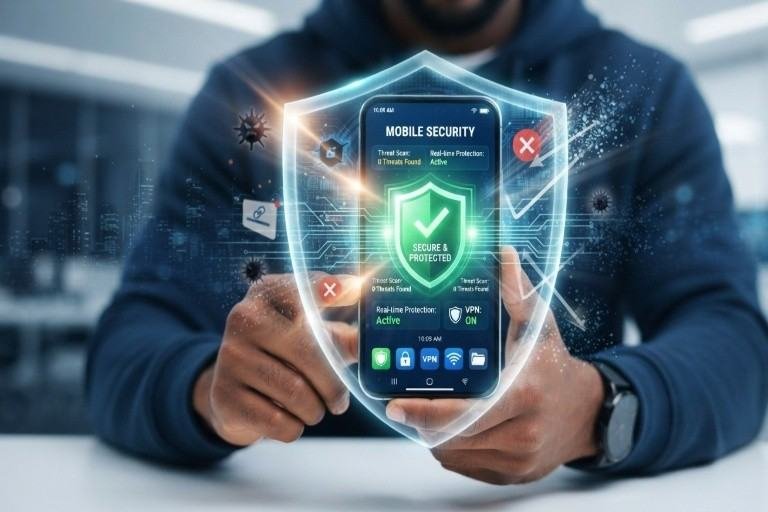
Mobile security is the practice of protecting smartphones, tablets, mobile applications, and the data they contain from cyber threats. It combines technologies and security practices such as app sandboxing, mobile antivirus, device encryption, secure authentication, and regular software updates to reduce the risk of attacks.
Why Mobile Security Matters Today
Mobile devices are attractive targets because they contain valuable personal and business information. A compromised smartphone could expose passwords, financial information, private messages, photographs, corporate files, and authentication codes.
Modern threats can include malicious applications, phishing attacks, spyware, fake login pages, unsafe Wi-Fi networks, data theft, and account takeover attempts. The growing use of mobile devices for work and financial transactions makes strong mobile security more important than ever.
Another concern is the increasing sophistication of social engineering. Attackers may use convincing messages, fake applications, or fraudulent websites to trick users into revealing credentials or installing malicious software. In many cases, the weakest point is not the device itself but the user’s interaction with a suspicious link or application.
Key Technologies That Protect Mobile Devices
1. App Sandboxing
App sandboxing isolates applications from one another and limits what they can access on a device. For example, one application should not automatically be able to read another application’s private data.
This separation helps contain potentially malicious applications. Even if an app behaves suspiciously, sandboxing can limit its ability to access sensitive information stored elsewhere on the device.
2. Mobile Antivirus and Threat Detection
Mobile security solutions can scan applications, files, websites, and device activity for suspicious behavior. They can help detect malware, malicious downloads, phishing attempts, and other threats.
However, antivirus protection should not be considered a complete security solution. Users should also install applications only from trusted sources and carefully review app permissions.
3. Device Encryption
Encryption protects information by converting readable data into a form that cannot easily be understood without the appropriate authentication key.
Modern smartphones commonly provide built-in encryption capabilities. When combined with a strong screen lock, encryption can help protect personal and business data if a device is lost or stolen.
4. Secure Authentication
Passwords alone are no longer enough for protecting important accounts. Strong authentication methods such as multi-factor authentication (MFA), biometric authentication, passkeys, and device-based security keys can provide additional protection.
MFA is particularly useful because even if an attacker obtains a password, they may still be unable to access the account without the additional authentication factor.
Mobile Apps Need Security Too
Mobile security is not limited to protecting the physical device. Applications themselves can introduce security risks if they contain vulnerabilities or request unnecessary permissions.
Developers should follow secure coding practices, protect sensitive information, validate user input, secure APIs, and regularly test applications for vulnerabilities. Users should also keep apps updated because security updates often address vulnerabilities that attackers could exploit.
Best Practices for Mobile Security
Users can significantly improve their security by following a few basic practices:
- Keep the operating system and applications updated.
- Download apps from official and trusted sources.
- Use strong passwords and MFA where available.
- Enable device encryption and a secure screen lock.
- Review application permissions regularly.
- Avoid clicking suspicious links in messages and emails.
- Be careful when connecting to unfamiliar public Wi-Fi networks.
- Enable device-finding and remote-wipe features.
- Back up important data regularly.
- Remove applications that are no longer needed.
The Future of Mobile Security
Mobile security will continue to evolve as smartphones become more deeply integrated into financial services, healthcare, business, artificial intelligence, and everyday digital life. Security systems are increasingly using behavioral analysis, automated threat detection, biometric technologies, and AI-assisted defenses to identify suspicious activity.
At the same time, attackers are becoming more creative. This means mobile security must be treated as an ongoing process rather than a one-time setup.